QR Connect
Scan. Explore. At your own pace.
QR Connect brings your display content to the phone: a QR code on the display opens a dedicated guest interface in the browser – no app, no sign-up. Visitors browse on their own while the big screen keeps running undisturbed.
The display as the entry point, the phone as a personal screen
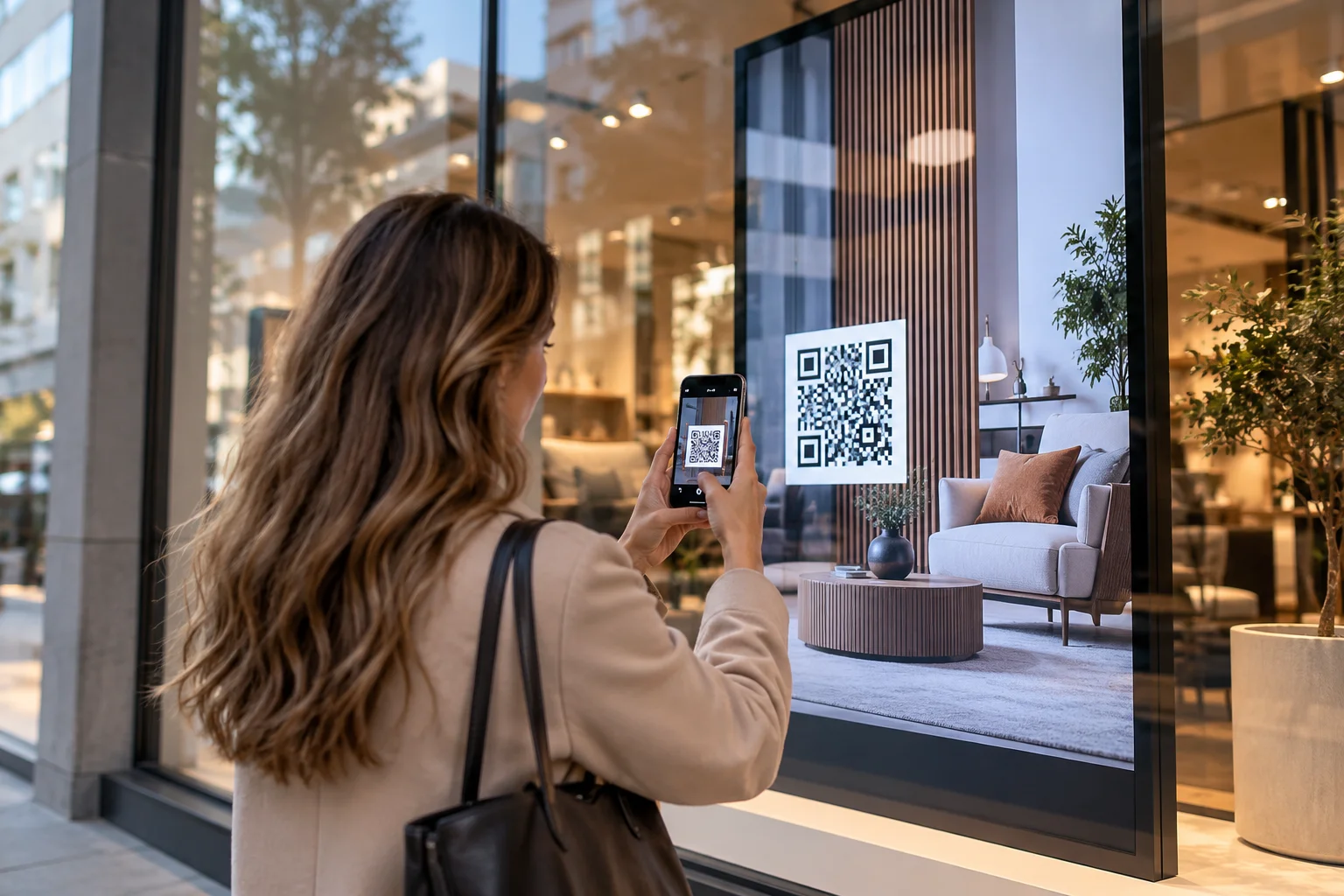
In the shop window, the showroom, the museum or the lobby: a QR code appears on the display, visitors scan it with their phone camera – and instantly hold their own interface in their hand. There they browse products, exhibits or information at their own pace, without switching the big screen for everyone else. The guest interface is designed in UI Studio – as a separate portrait page alongside the display interface, with drag-and-drop and in your own corporate design.
To make sure only people actually standing in front of the display get in, the code changes every minute and is valid for three minutes – a photographed or forwarded code quickly becomes useless. Access runs through the nanoblue Cloud Server: it checks every single request, lets only the guest interface through and blocks everything else – control, configuration and administration stay out of reach for guests. Guest sessions are time-limited, the device address never appears in the link, and QR Connect is enabled per device.
What's inside
No app
Scanning with the phone camera is all it takes – the guest interface opens right in the browser, no download, no sign-up.
Display stays undisturbed
Every visitor browses on their own phone – the big screen keeps running unchanged for everyone else.
Designed in UI Studio
Dedicated portrait guest pages, drag-and-drop and in your corporate design – in the same tool as the display interface.
Rotating code
A new QR code every minute, valid for three minutes – whoever gets in was standing in front of the display.
Guest interface only
The Cloud Server checks every request: control, configuration and administration stay locked for guests.
Limited sessions
Guest access expires automatically and the device address never appears in the link – enabled per device.