

Shop Window
Sells even after closing time.
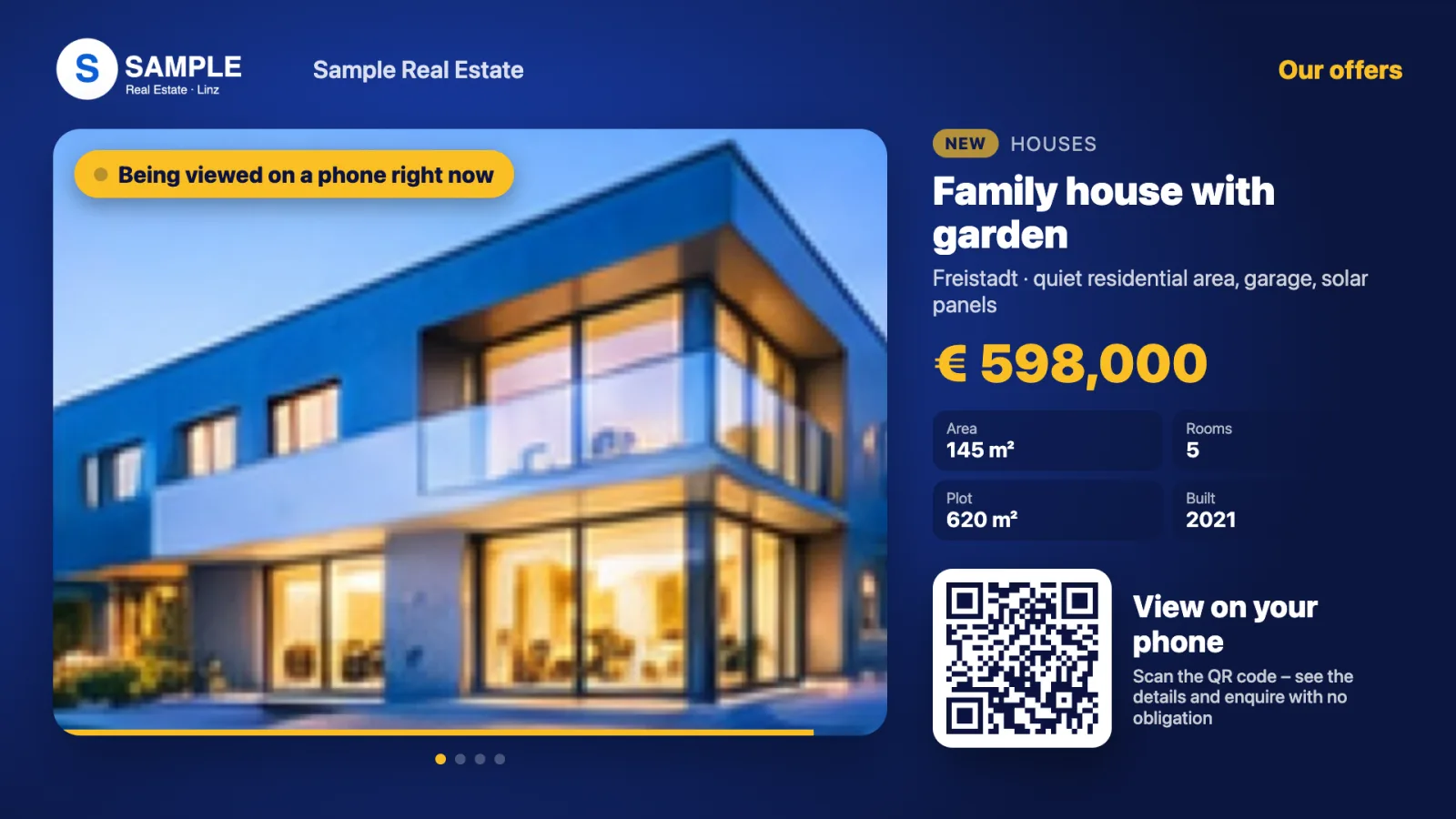
Shop Window turns any display into a catalogue to take away: passers-by scan the QR code, browse your offers on their phone and send an enquiry with one click. When someone opens an offer, the display shows exactly that offer in large format – for everyone standing in front of it.
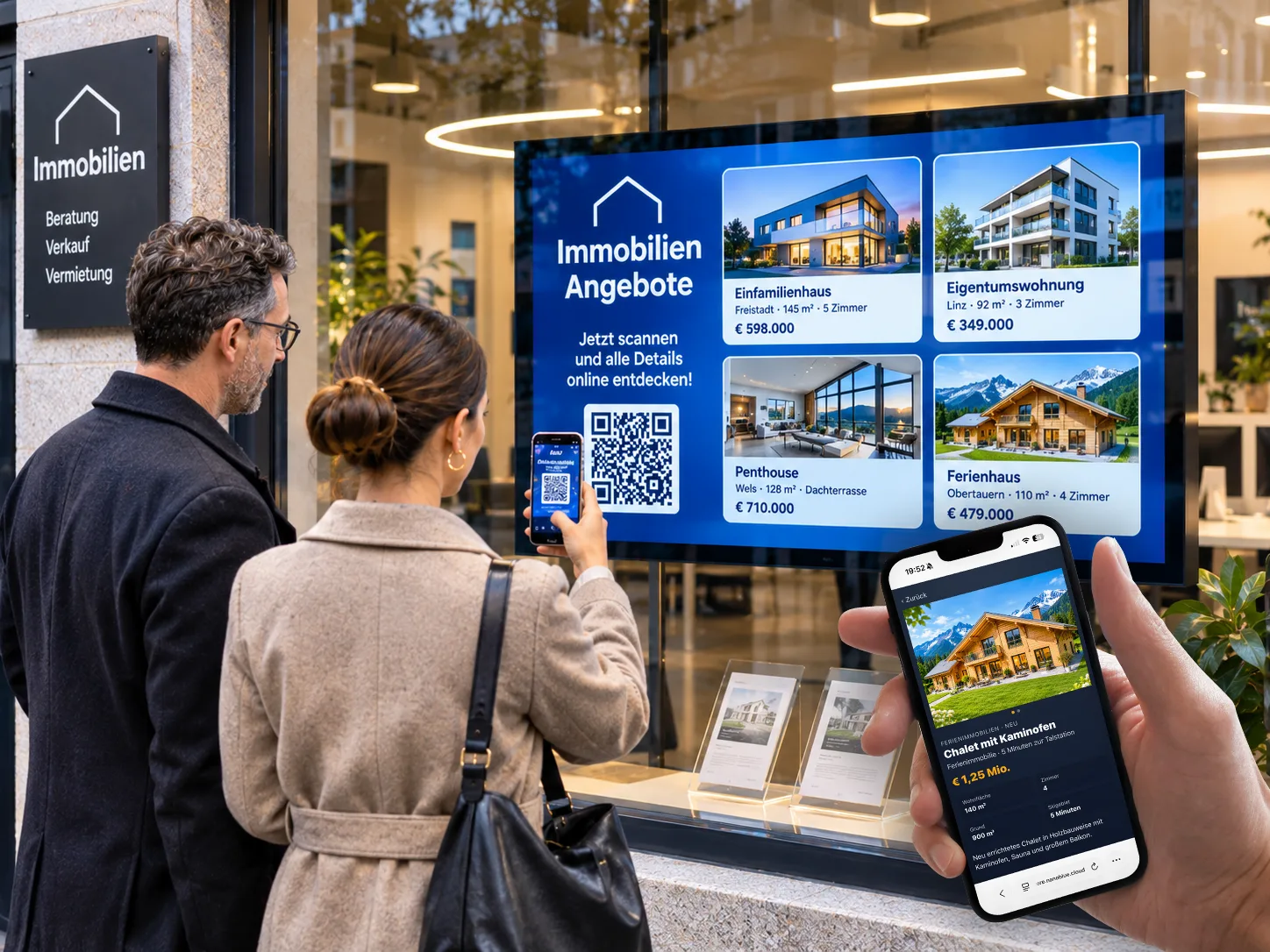
Your range in the window – and in every hand
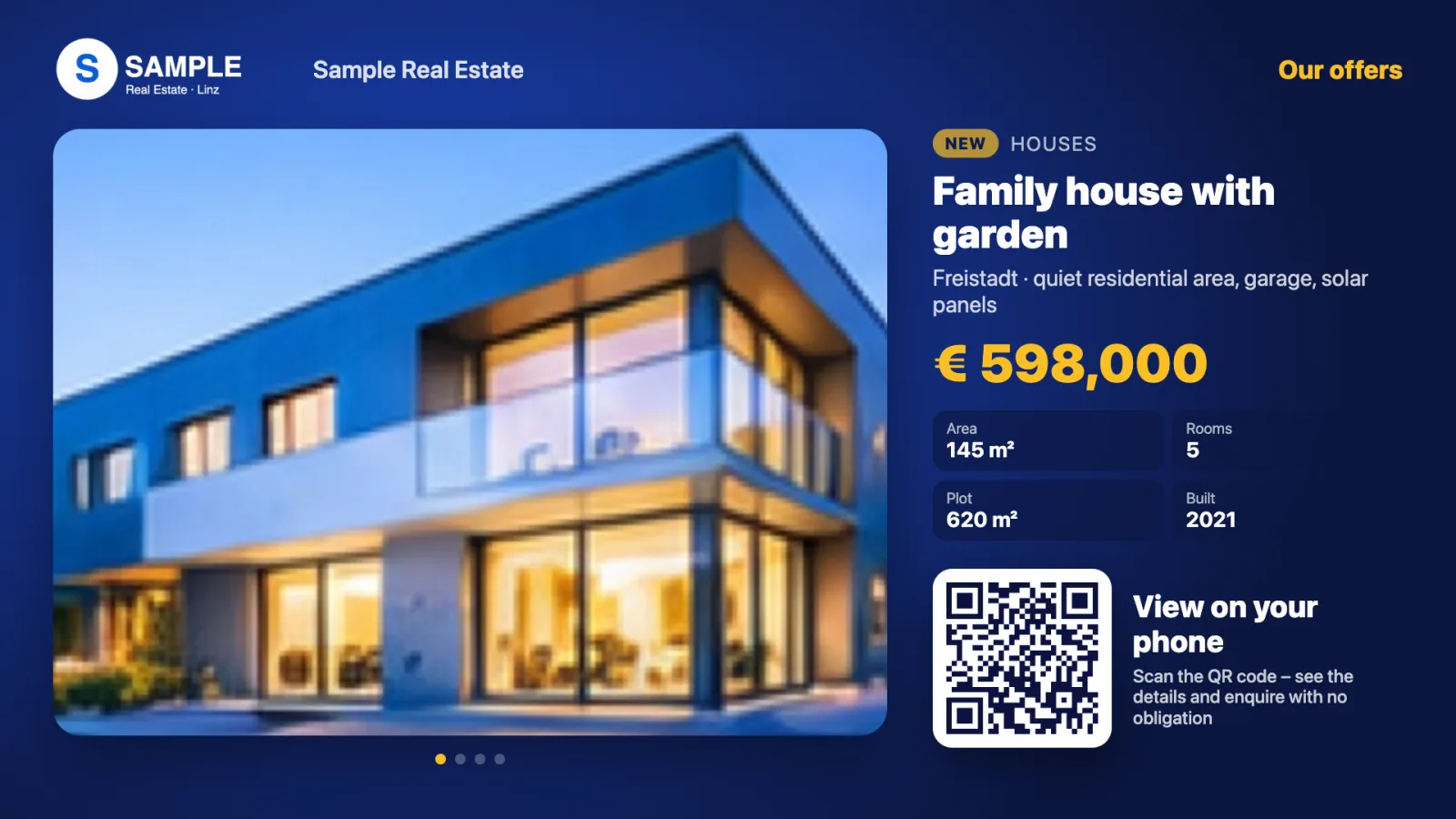
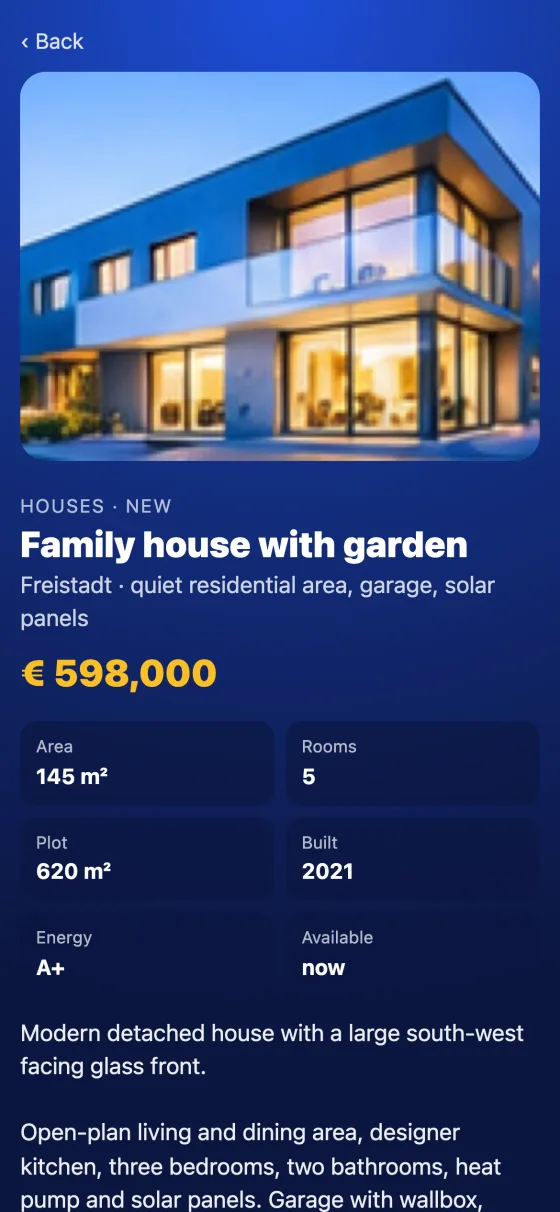
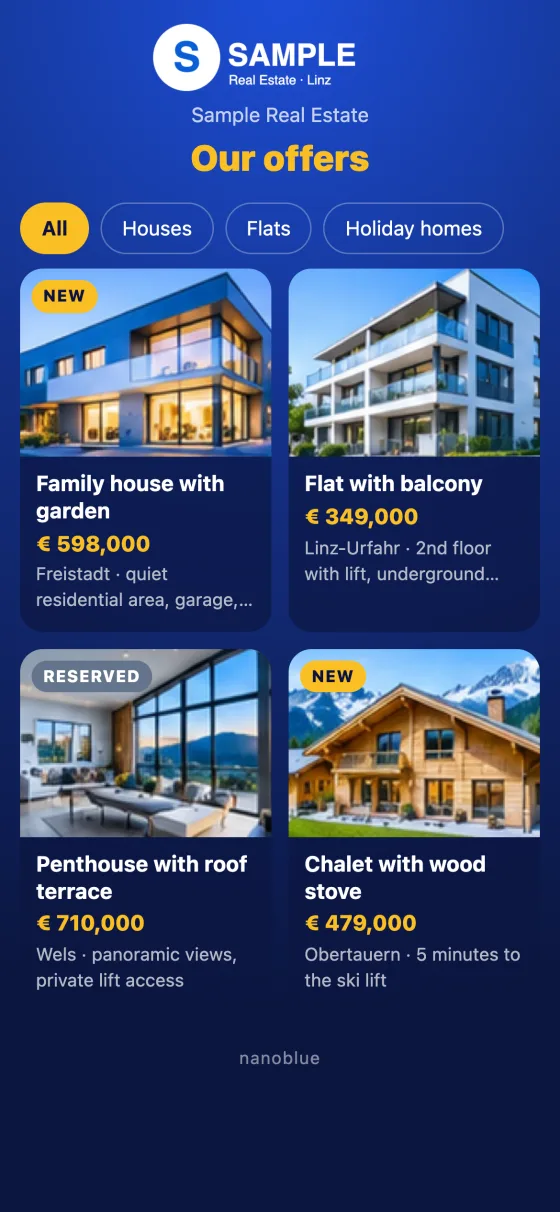
When nobody is interacting, the display shows your offers as a slideshow: main picture, price and key facts. Anyone who scans the QR code has the whole range on their phone – with picture gallery, description and category filter. When a visitor opens an offer, the display jumps to exactly that offer (“Currently viewed on a phone”) and then returns to the slideshow by itself.
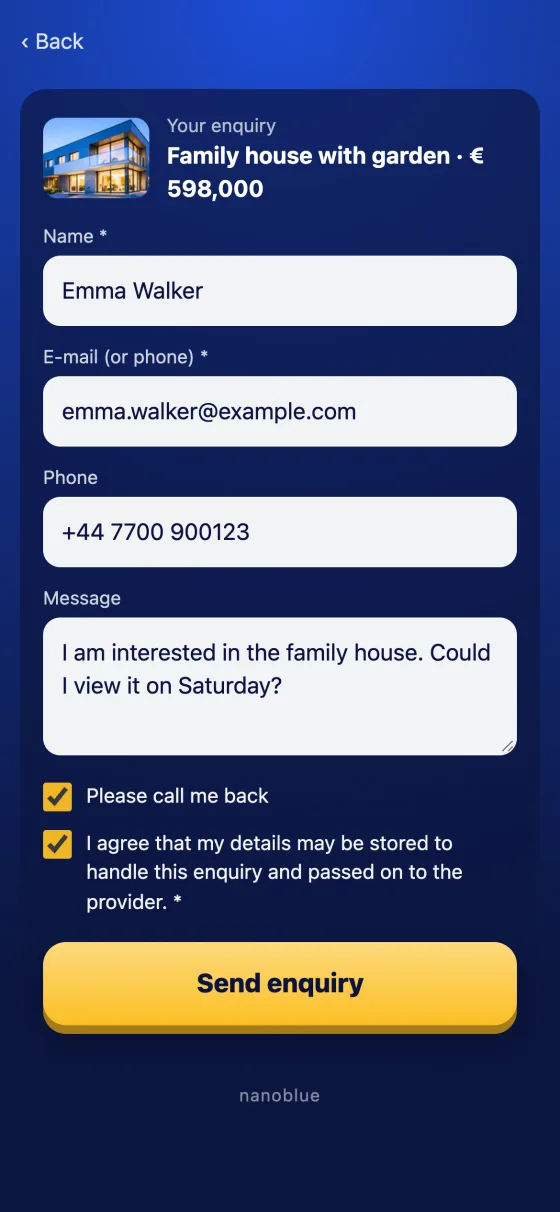
If something catches their eye, one click on “Enquire” is enough: name, email or phone, message and, if desired, “Please call me back”. The enquiry reaches you instantly by email – with main picture and all details – and the prospect receives a confirmation. Ideal for estate agents, car dealers, travel agencies or any shop that wants to sell in the evening too.
- Estate agents
- Car dealers
- Travel agencies
- Retail after closing time
How it runs
Slideshow
The display shows your offers with picture, price and key facts.
Scan
Passers-by open the range on their own phone.
Browse
Pictures, details and filters – the display follows along.
Enquire
One click and the enquiry lands in your inbox.
What's inside
Up to 100 offers
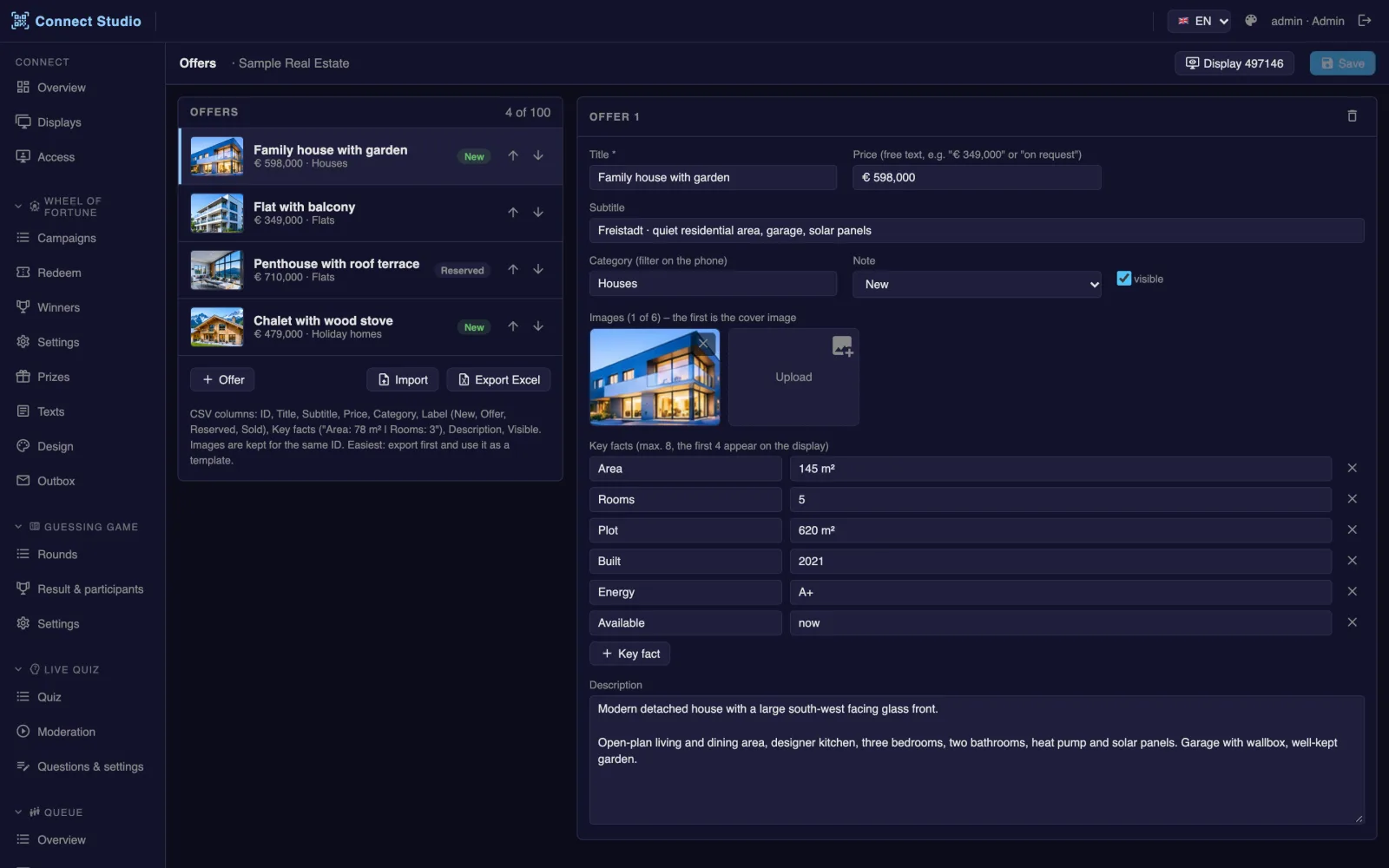
Title, price, category, up to 8 key facts, description and up to 6 pictures per offer.
Display follows along
Whatever is opened on a phone appears large on the display – and makes others curious.
One-click enquiry
Contact, message and call-back request – straight to you by email, confirmation to the prospect.
Labels & status
New, offer, reserved or sold – sold offers no longer accept enquiries.
Import from Excel
Import or export offers as a CSV file, pictures are kept.
Enquiries at a glance
All enquiries in Connect Studio – open or done, with key figures and CSV export.
Display, phone and studio
More from nanoblue Connect
 Prize game
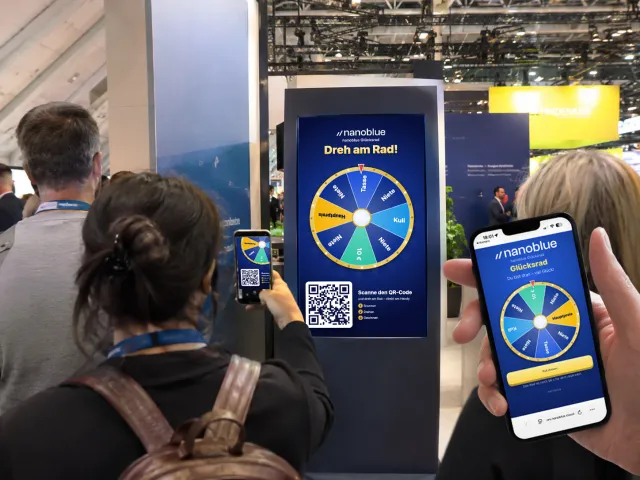
Prize Wheel
Spin on your phone – the wheel on the display spins along
- Trade shows & exhibitions
- Openings & anniversaries
- Car dealers & retail
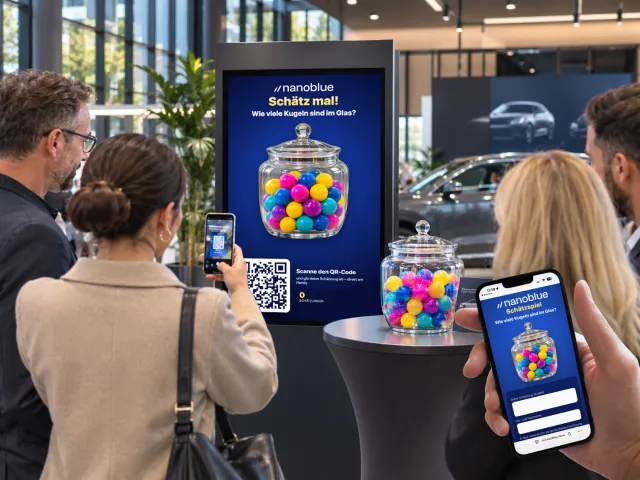 Prize game
Guessing Game
How many balls are in the jar? Guess and win
- Trade show booths
- Open days
- Retail & promotion days
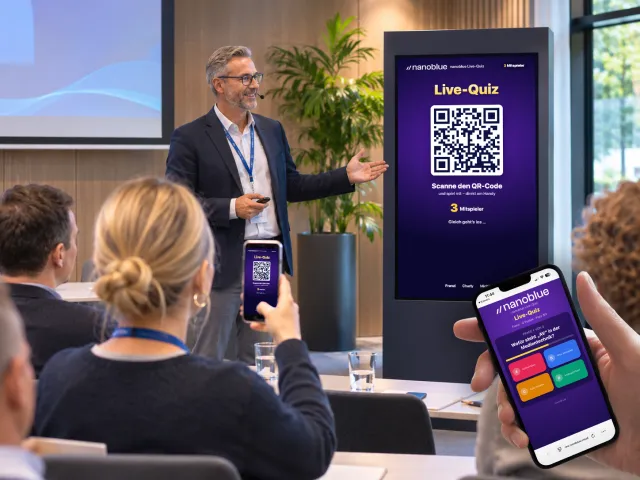 Interaction
Live Quiz & Voting
Quizzes and polls live with the whole audience
- Conferences & talks
- Stage programmes at trade shows
- Company parties & kick-offs
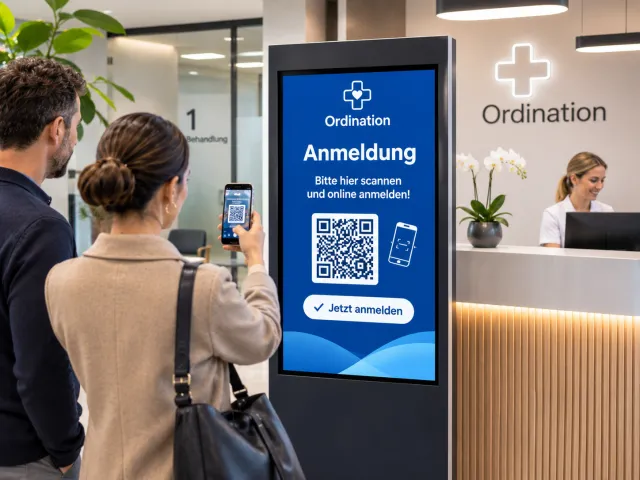 Service
Queue
Queue number on the phone – called with sound and vibration
- Customer centres & public offices
- Medical practices & pharmacies
- Click & collect in retail
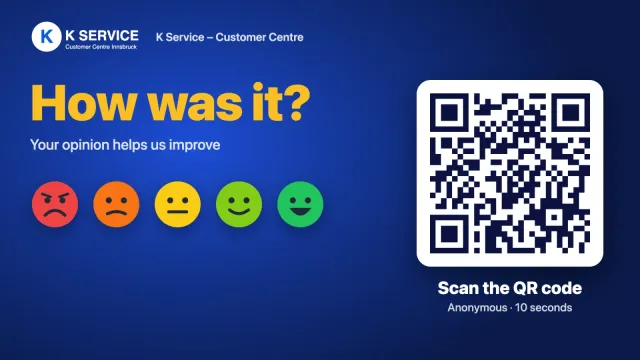 Service
Feedback
How was it? Rating by phone in 10 seconds
- Customer centres & public offices
- Hotels & hospitality
- Showrooms & retail
 Information
Guest Interface
Display content to take away – browse on your phone
Learn more →