

Photo Wall
Everyone takes photos – everyone sees them.
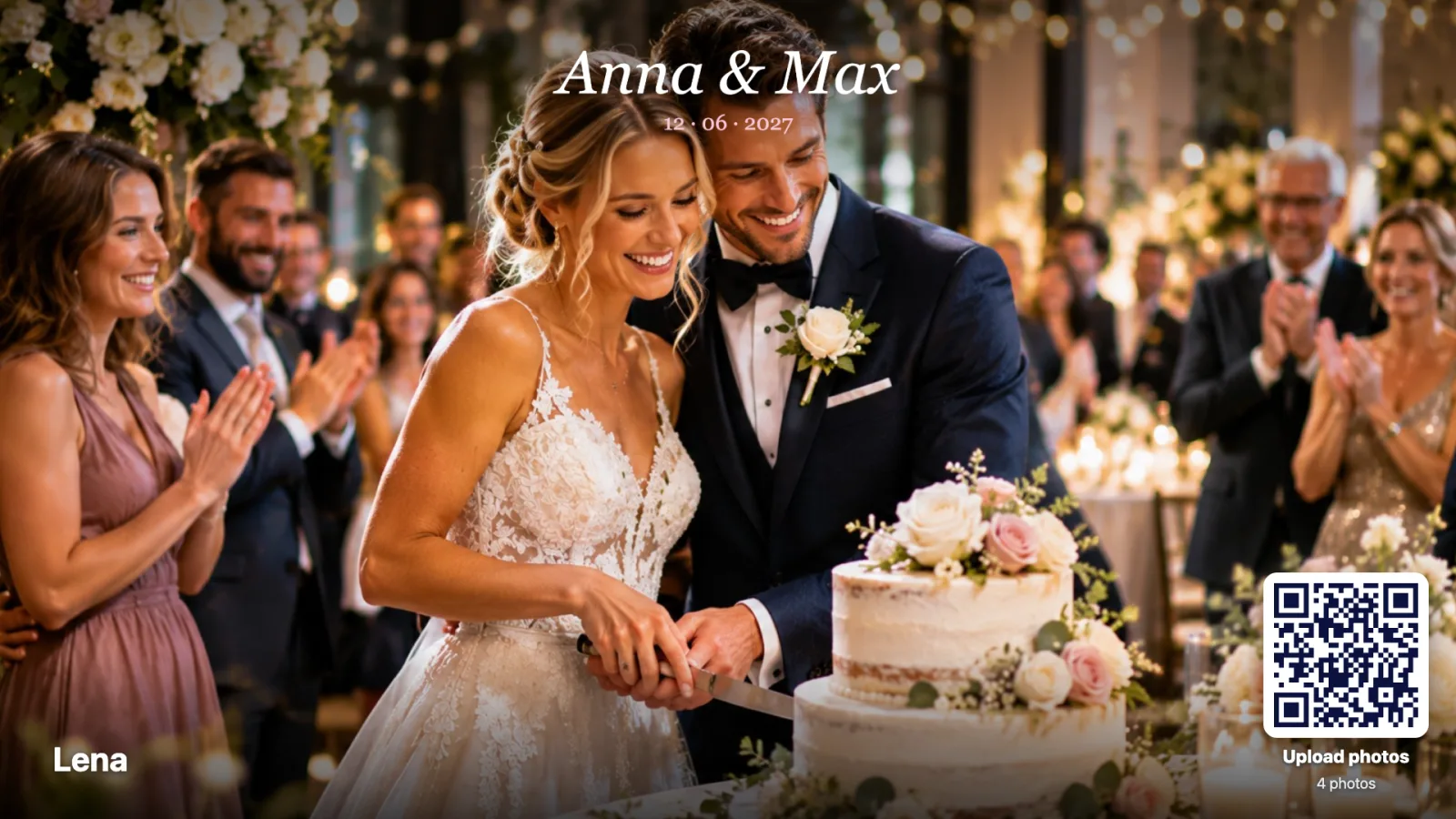
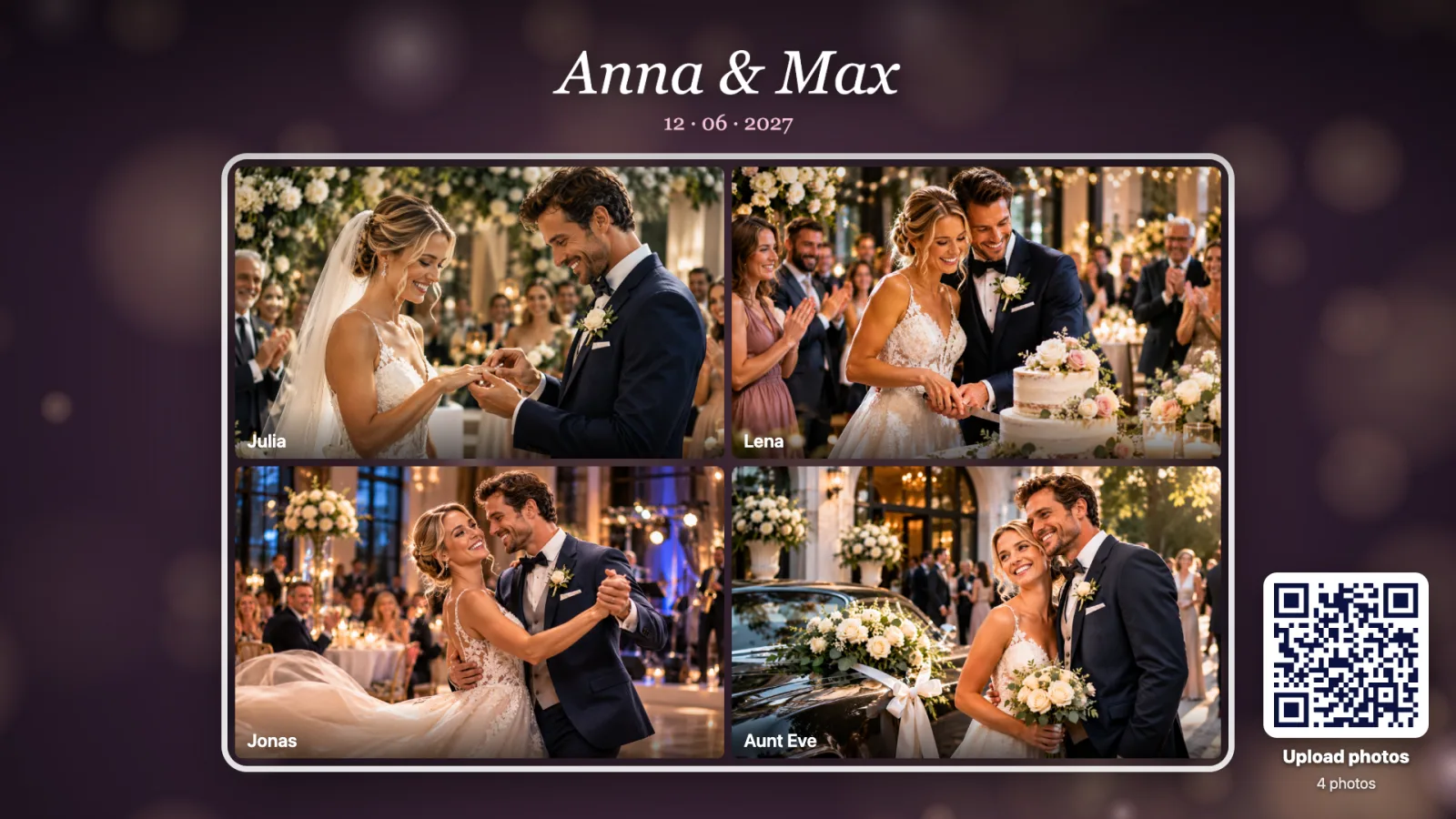
The photo wall brings your guests’ photos to the big screen while the party is still going: scan the QR code, pick a photo, done. The display shows the pictures as a slideshow or a photo wall, with names and messages. Afterwards you have every photo in one place – as a ZIP with a single click.

For weddings, parties and events
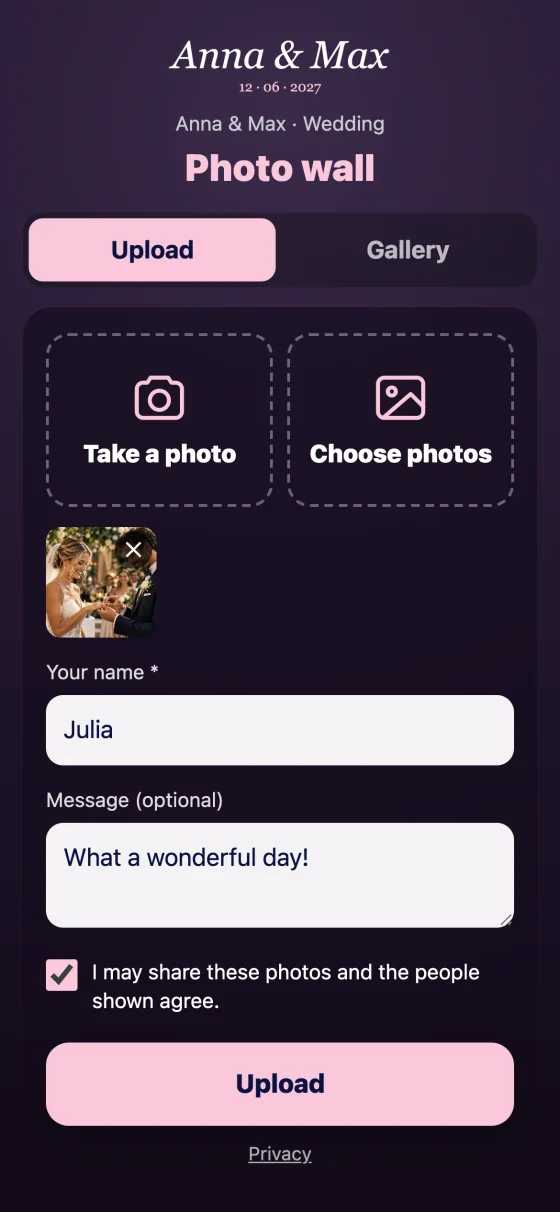
Guests take photos all evening anyway. With the photo wall, those pictures do not stay on their phones: one scan and up to ten photos are uploaded – no app, no sign-up. The phone shrinks the images first, so it stays fast even in a packed venue. On the display every new photo flies in large first, with “New from Anna” and a short message.
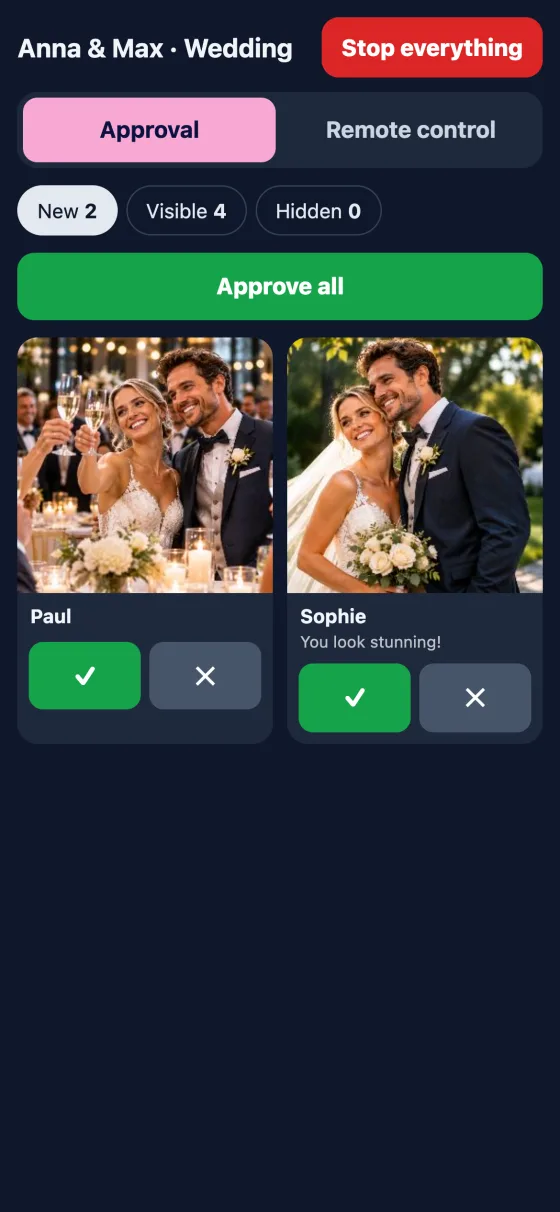
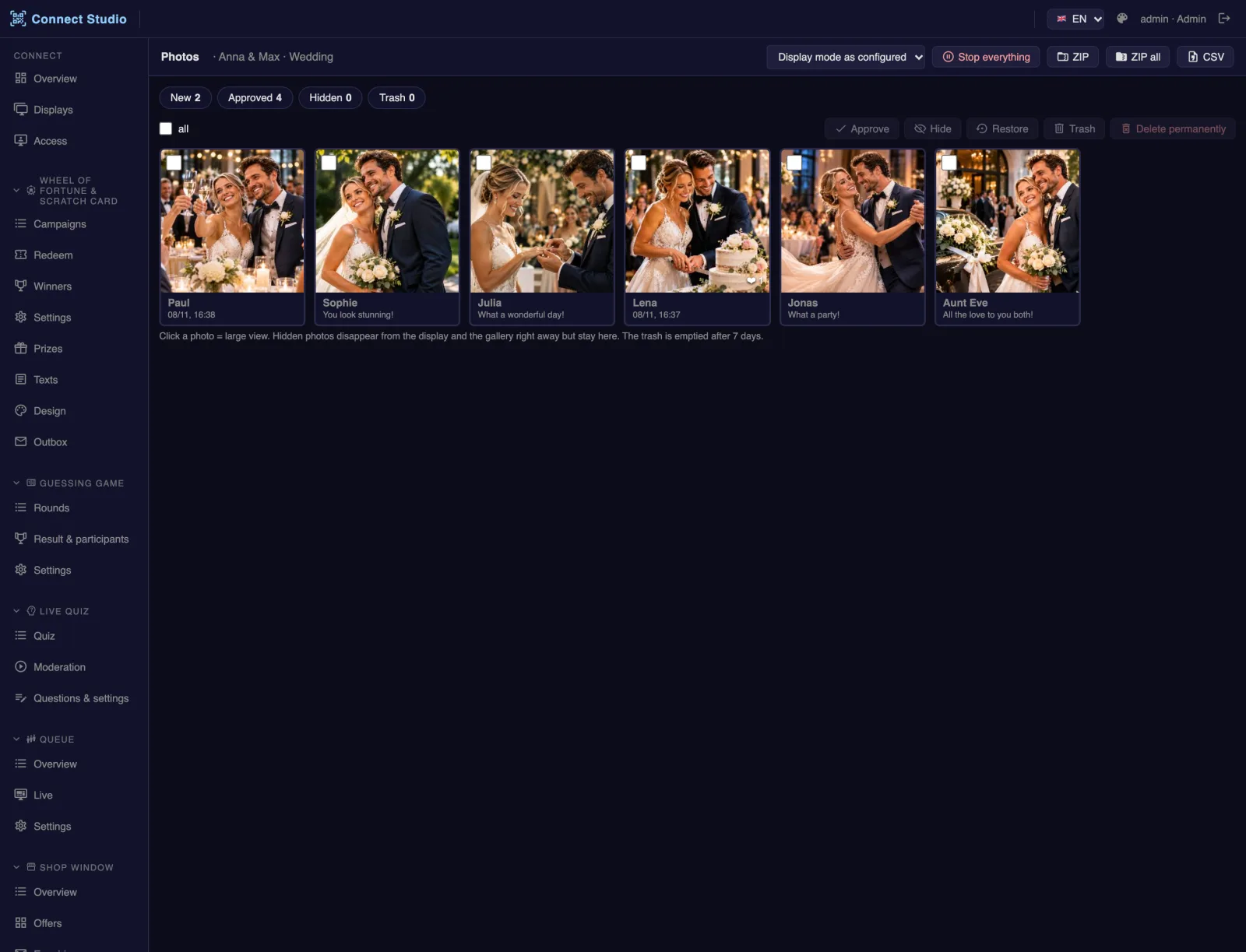
You decide per photo wall: photos appear instantly – ideal for private parties – or only after approval. Approve in the Connect Studio or via a dedicated link on a phone, for example by the best man. The same page is the remote control: tap a photo and it appears large on the display. Guests browse the gallery and give hearts. After the event you download all photos as a ZIP or share a gallery protected by a code.
- Weddings & parties
- Company parties & anniversaries
- Trade fairs & events
- Conferences
How it runs
Scan
Guests scan the QR code on the display.
Upload
Take or pick a photo, add a name and message.
Approve
Visible instantly or after approval on a phone.
Remember
All photos as a ZIP or a gallery with a code.
What's inside
Instant or after approval
Your choice per photo wall – with an emergency “Stop everything” button and hiding with one tap.
Slideshow & photo wall
One large photo with name and message, or a mosaic that keeps changing.
Remote control on a phone
Approve and browse – the display shows the chosen photo large right away.
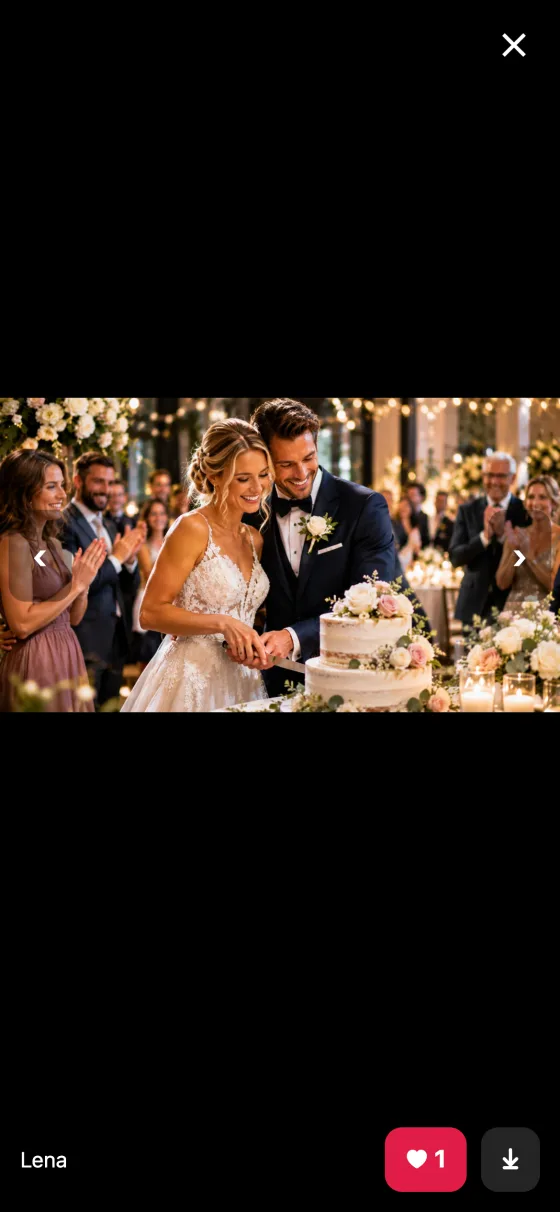
Gallery & hearts
Guests browse all photos and give hearts – the display shows the most liked at the push of a button.
Every photo afterwards
ZIP in full size with names and times, optionally a guest gallery with a code.
Privacy-friendly
Location data is removed, no IP, no device ID, automatic deletion after a set period.
Display, phone and studio
More from nanoblue Connect
 Prize game
Prize Wheel
Spin on your phone – the wheel on the display spins along
- Trade shows & exhibitions
- Openings & anniversaries
- Car dealers & retail
 Prize game
Guessing Game
How many balls are in the jar? Guess and win
- Trade show booths
- Open days
- Retail & promotion days
 Interaction
Live Quiz & Voting
Quizzes and polls live with the whole audience
- Conferences & talks
- Stage programmes at trade shows
- Company parties & kick-offs
 Service
Queue
Queue number on the phone – called with sound and vibration
- Customer centres & public offices
- Medical practices & pharmacies
- Click & collect in retail
 Sales
Shop Window
Offers on the display, details and enquiry on the phone – around the clock
- Estate agents
- Car dealers
- Travel agencies
 Service
Feedback
How was it? Rating by phone in 10 seconds
- Customer centres & public offices
- Hotels & hospitality
- Showrooms & retail
 Prize game
Scratch Card
Everyone scratches at once – each on their own phone
- Trade shows & events
- Openings
- Retail & promotion days
 Information
Guest Interface
Display content to take away – browse on your phone
Learn more →