Remote App
Your room. One click away.
nanoblue Remote brings the Interactive UI to Mac and Windows as an app of its own – on the operator PC in the room or remotely via the cloud.

From operator PC to remote control
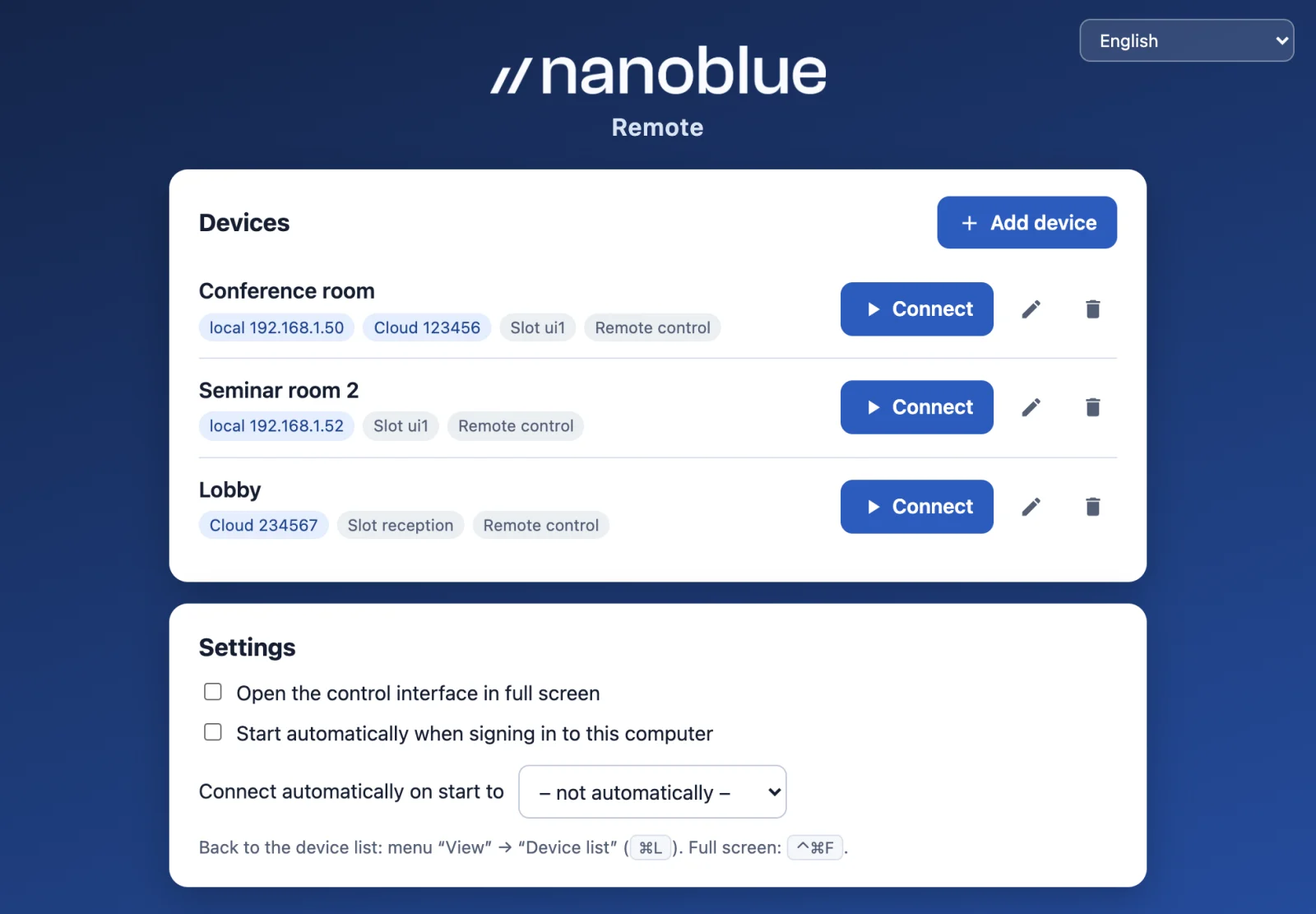
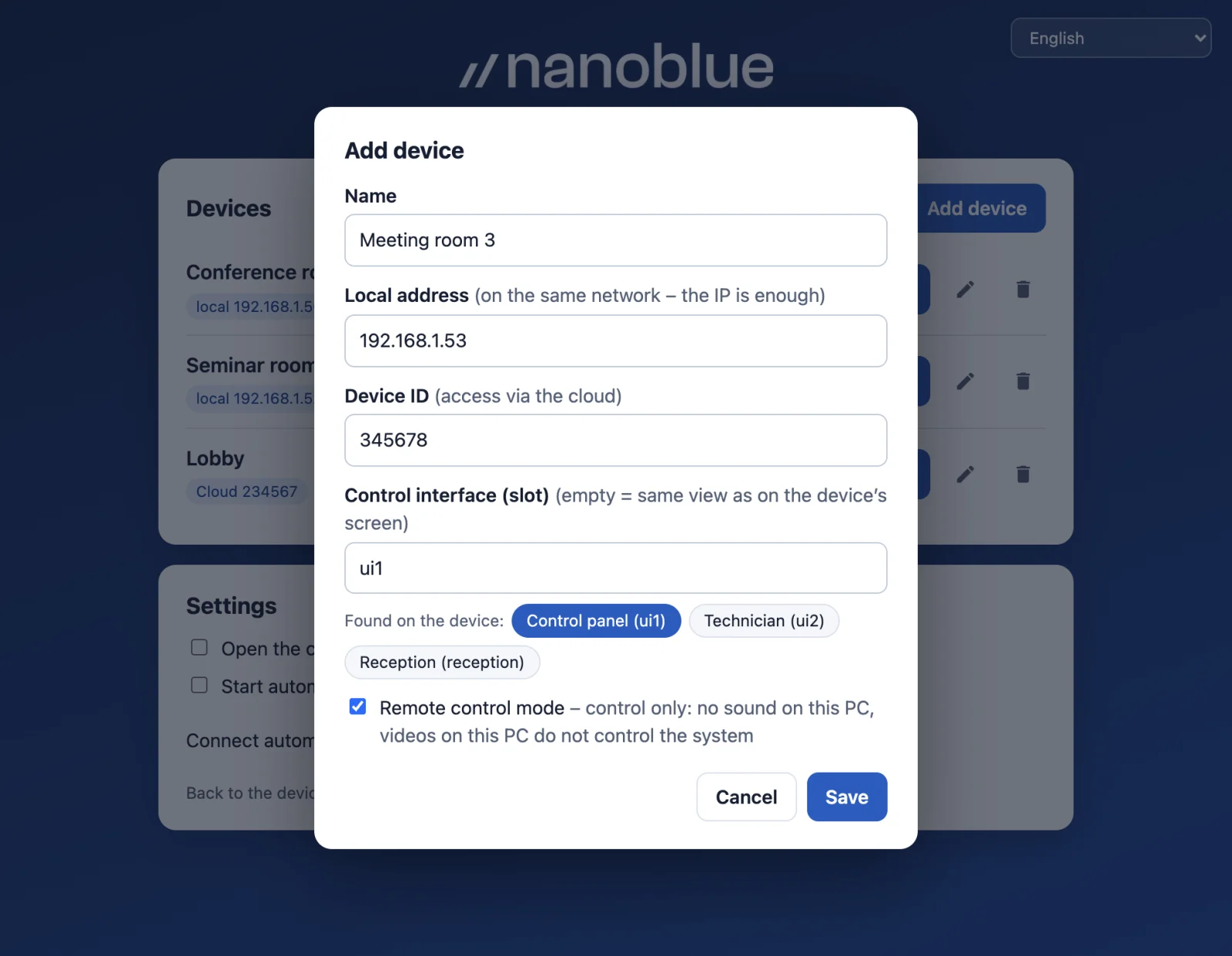
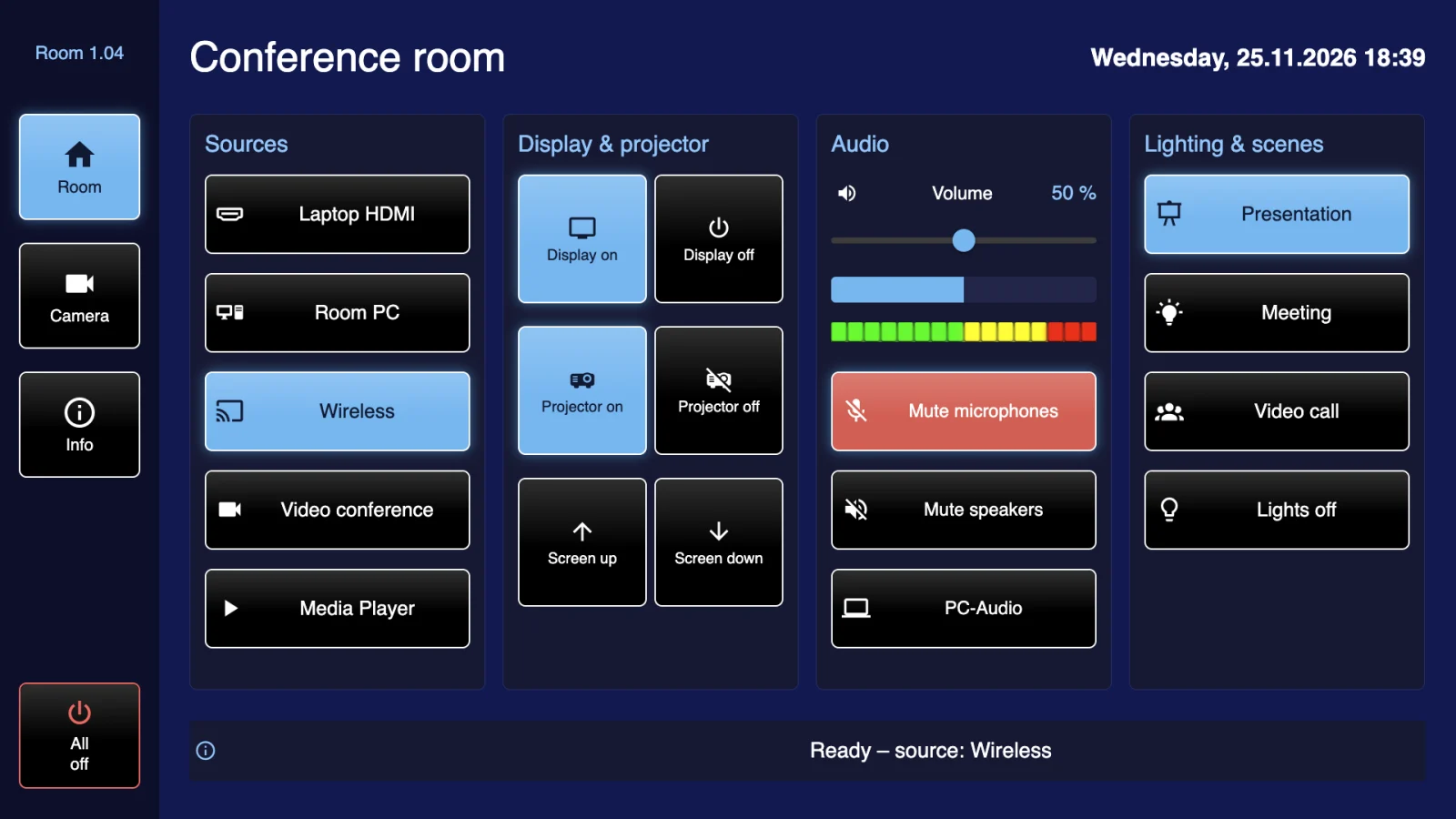
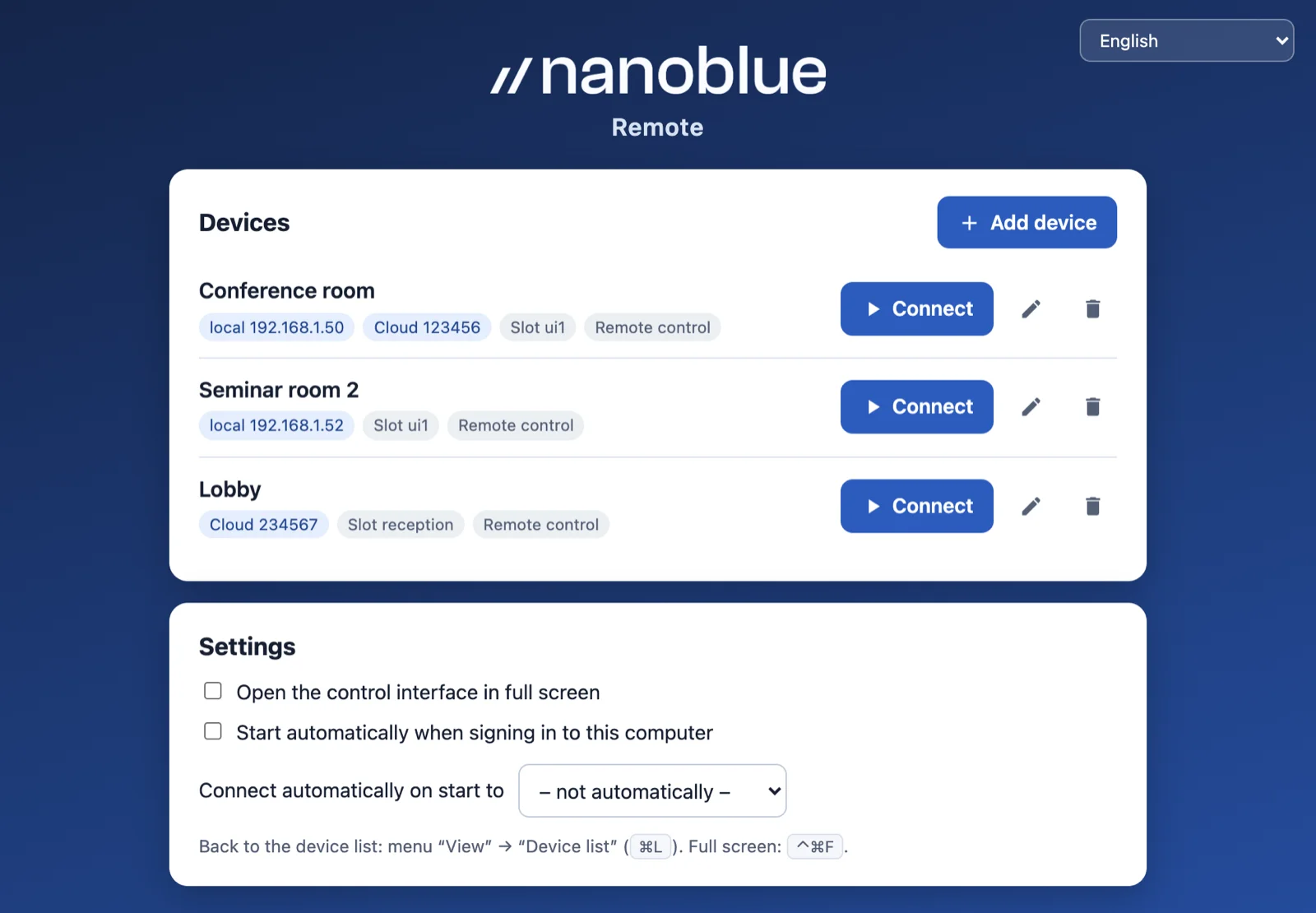
nanoblue Remote shows the control interface of a nanoblue device as an application of its own: with its own icon in the dock or taskbar, in its own window or in full screen, without an address bar and without browser tabs. You enter your rooms once and open each of them with one click. If a device has several interfaces, the app offers them for selection. It always shows what was designed in UI Studio – a change made there appears in the app without any further action.
In the room, the app connects directly over the network; from outside, it connects via the Cloud Server – protected by the sign-in to the nanoblue portal. If both routes are entered, the app takes the shorter one by itself: the same laptop controls the room directly on site and via the cloud in the office. In remote control mode, the sound stays muted on the PC, and videos that play along on the PC do not trigger anything in the system – you operate the room without disturbing it. With full screen, autostart and automatic connection, an ordinary PC becomes a permanent operator station. nanoblue Remote is available on request from nanoblue or your nanoblue partner.
What's inside
An app of its own
Its own icon, its own window or full screen – without an address bar and without browser tabs.
Local or via the cloud
Directly over the network in the room, via the Cloud Server from outside – the app chooses the route itself.
All rooms in one list
Enter any number of rooms; the control interfaces of a device are offered for selection.
Remote control mode
Operate without playing along: no sound on the PC, and videos on the PC do not trigger anything in the system.
Permanent operator station
Full screen, start with the computer and automatic connection – the PC is ready after switching on.
Mac and Windows
For macOS (Apple silicon and Intel) and Windows, in German and English.
This is what nanoblue Remote looks like